Upgrade the room photo before you ask it to convert.
When the listing photo is usable but not impressive - flat lighting, low contrast, soft details - AI enhancement makes it look professionally shot.
See how AI enhancement transforms room photos - improving lighting, contrast, and overall polish to make listing images look professionally shot.
Trusted by professionals at






30s
Average generation time
~$5
Per room vs $2,000+ traditional
40+
Design styles available
Good rooms with bad photos lose to worse rooms with better photos.
Phone cameras capture the room, but they rarely capture the feeling. Flat lighting, barrel distortion, and washed-out colors make beautiful rooms look ordinary. Professional reshoot costs time and coordination that listing timelines don't allow.
Professional polish without a professional reshoot.
- Improve brightness, contrast, and color balance automatically.
- Choose between subtle, balanced, or maximum enhancement levels.
- Works on any room photo - phone shots, DSLR, or previously generated images.
- Pair with virtual staging or redesign outputs for even cleaner delivery.
- Download enhanced images ready for MLS, social media, and print.
Four steps to a better room visual.
Upload
Drop the room photo that needs better polish.
Choose level
Pick Subtle, Balanced, or Maximum enhancement based on how much improvement you need.
Generate
AI adjusts lighting, sharpness, color balance, and overall presentation quality.
Download
Save the enhanced image in full resolution for your listing.
Works with every room type
From living rooms to kitchens, bathrooms to studios - upload any room and get professional results.
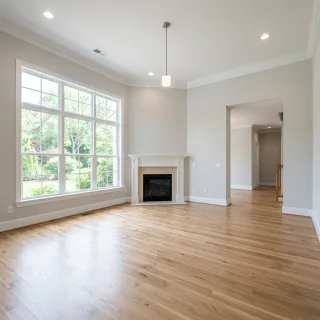
Living Room
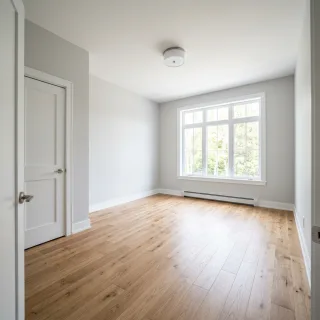
Bedroom
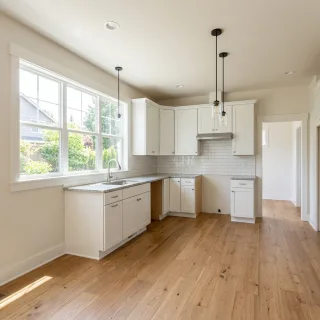
Kitchen
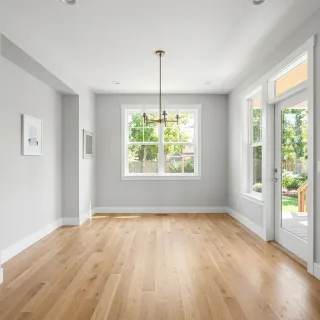
Dining Room
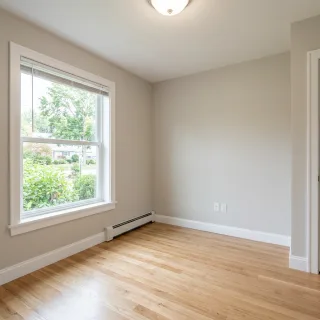
Home Office
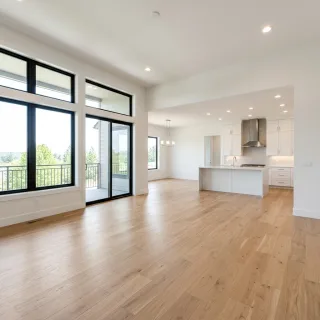
Open Concept
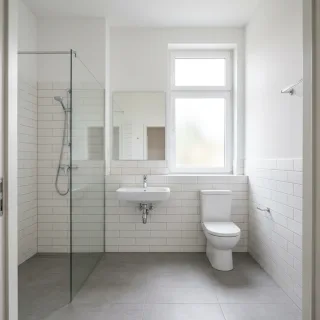
Bathroom
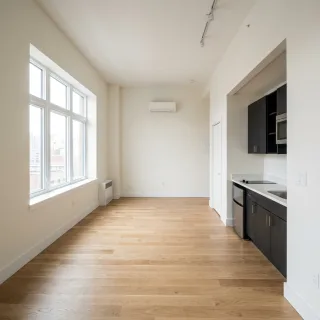
Studio
Ready to transform your next listing?
Join thousands of real estate professionals using AI to create better listing visuals.
Improve overall image polish without changing the room concept.
Use it when the listing photo is close but not strong enough yet.
Pair it with staging and redesign outputs for cleaner delivery.
Built for people who ship room visuals.
Quick listing turnaround
Enhance multiple room photos in minutes instead of scheduling a reshoot.
Social media content
Make phone-shot room tours look premium for Instagram and Facebook ads.
Post-staging polish
Apply enhancement on top of AI-staged images for even better final results.
Common questions about Photo Enhancer.
No. Photo Enhancer only improves the image quality - lighting, contrast, and polish. The room content stays the same.
Works great alongside these.
Room Declutter
Pro Plan
Reduce visual noise from small objects, accessories, and distractions that make the room feel harder to read.
Virtual Staging
Free Plan
Stage empty rooms with listing-ready furniture concepts, style presets, and polished marketing visuals.
Interior Design
Free Plan
Redesign furnished rooms, refresh outdated styling, and improve targeted areas without rebuilding the whole scene.
Ready to try Photo Enhancer?
Upgrade the room photo before you ask it to convert.
Use Photo Enhancer when the room image is almost there, but still needs more polish to feel premium and market-ready.