Place the missing furniture - without hiring a stager.
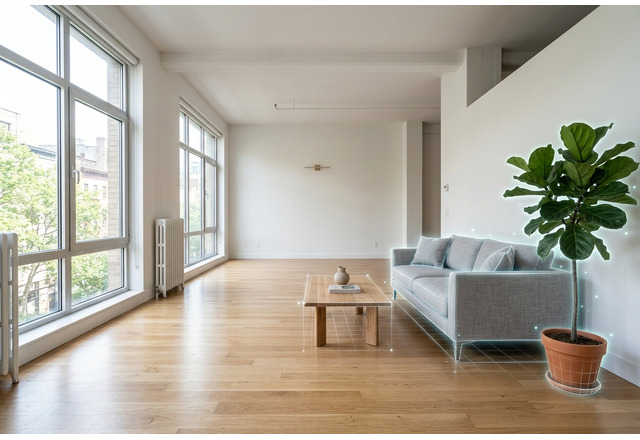
When a room feels too sparse or unfinished, AI adds furniture concepts that make the space look lived-in, styled, and ready to market.
Trusted by professionals at






30s
Average generation time
~$5
Per room vs $2,000+ traditional
40+
Design styles available
Sparse rooms feel cold and fail to connect with buyers.
A half-furnished room is worse than an empty one. Buyers see an awkward sofa and a bare floor, and they mentally write off the property. You need more context in the room, but moving real furniture in costs time and money.
Let AI fill the gaps with realistic furniture.
- Start from any partially furnished or nearly empty room photo.
- AI analyzes the space and adds furniture that fits the scale and style.
- Results feel natural - not like clip-art pasted onto a photo.
- Use it before listing to strengthen weak rooms in the property tour.
- Pair with Photo Enhancer for a polished final image.
Four steps to a better room visual.
Upload
Drop a photo of the under-furnished room.
Set room type
Tell AI what kind of room it's looking at (living room, bedroom, office, etc.).
Generate
AI places contextually appropriate furniture that matches the room's scale and lighting.
Download
Save the result as a high-resolution image ready for your listing.
Works with every room type
From living rooms to kitchens, bathrooms to studios - upload any room and get professional results.
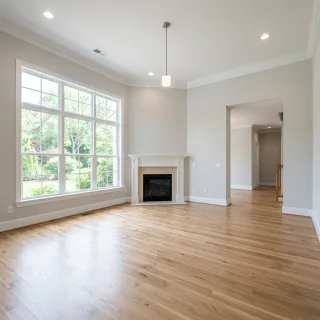
Living Room
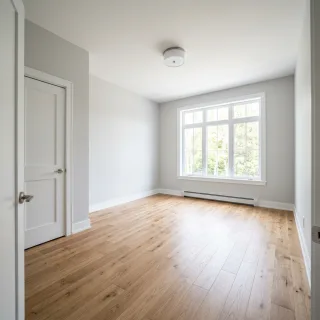
Bedroom
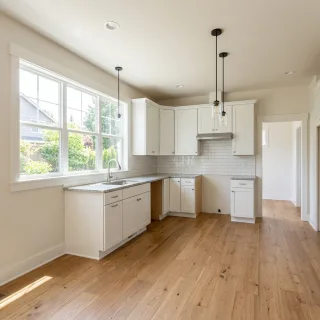
Kitchen
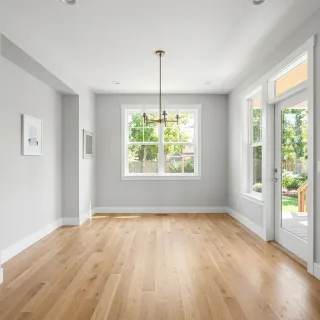
Dining Room
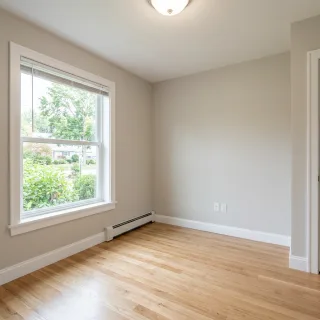
Home Office
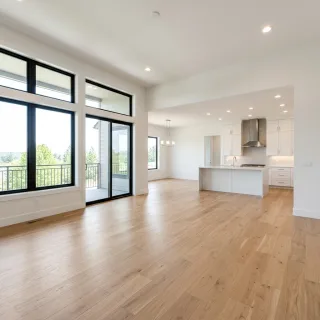
Open Concept
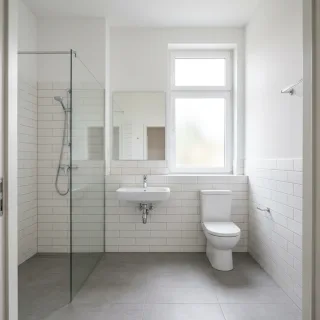
Bathroom
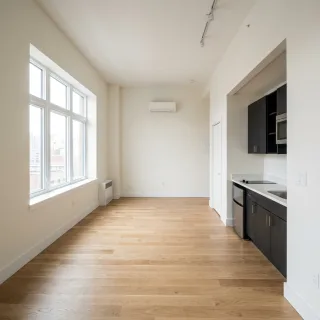
Studio
Ready to transform your next listing?
Join thousands of real estate professionals using AI to create better listing visuals.
Start from an empty or lightly furnished room photo.
Preview furniture-led concepts that match the room direction.
Use it when a room needs more context without a full redesign.
Built for people who ship room visuals.
Move-in ready marketing
Show the home as move-in ready even if the owner already moved out most furniture.
Model home alternatives
Replace expensive model home staging with virtual furniture placement.
Home office setup
Show a spare bedroom as a functional home office without buying desk sets.
Common questions about Add Furniture.
Yes. AI considers the room type, existing elements, and lighting to place furniture that looks natural.
Works great alongside these.
Furniture Eraser
Starter Plan
Remove distracting or outdated furniture when the room feels too busy to market cleanly.
Virtual Staging
Free Plan
Stage empty rooms with listing-ready furniture concepts, style presets, and polished marketing visuals.
Photo Enhancer
Starter Plan
Improve room photos that are usable but still need cleaner contrast, polish, or presentation quality.
Ready to try Add Furniture?
Add the missing furniture story to the room.
Place new furniture concepts into painted areas when a room feels too sparse, unfinished, or not yet ready to market convincingly.