Preview finish directions without rebuilding the room.
Paint over a surface - floor, wall, countertop - choose a material like hardwood, marble, or tile, and see what the room looks like with that finish applied realistically.
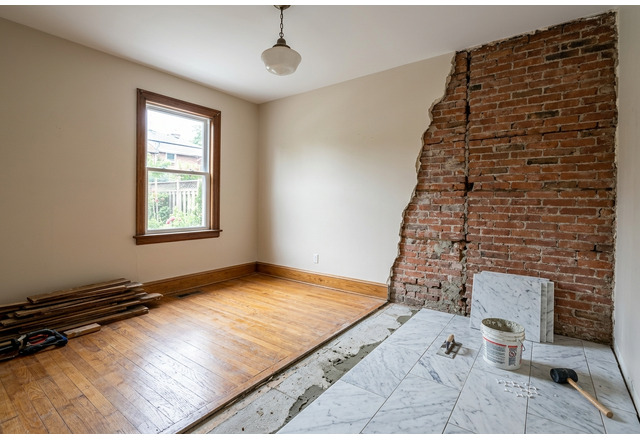
Trusted by professionals at






30s
Average generation time
~$5
Per room vs $2,000+ traditional
40+
Design styles available
Material decisions are expensive to get wrong.
Choosing between hardwood and tile for a kitchen floor is a $10K+ decision. Clients want to see what it looks like before committing. Physical samples don't show the full room picture. Renders from architects take days and cost hundreds.
See the material on the actual room in seconds.
- Paint over any surface in the room - floors, walls, countertops, backsplashes.
- Choose from 12+ material types: hardwood, marble, concrete, tile, brick, and more.
- AI applies the material with realistic texture, lighting, and reflection.
- Compare different materials on the same room for faster decisions.
- Use for client presentations, renovation planning, or listing upgrades.
Four steps to a better room visual.
Upload
Drop a room photo showing the surface you want to change.
Paint
Use the brush tool to paint over the area where the material should be applied.
Choose material
Select from hardwood, marble, tile, concrete, stone, and other finish options.
Generate
AI applies the material with realistic texture and lighting that matches the room.
Works with every room type
From living rooms to kitchens, bathrooms to studios - upload any room and get professional results.
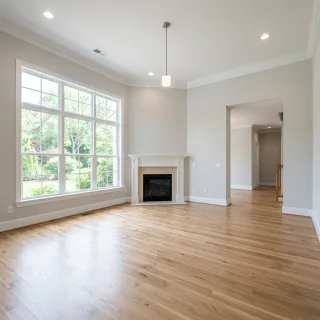
Living Room
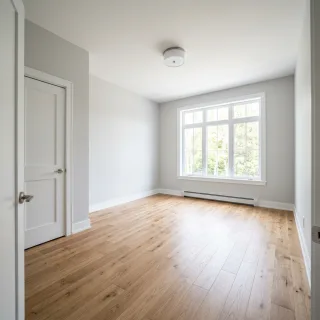
Bedroom
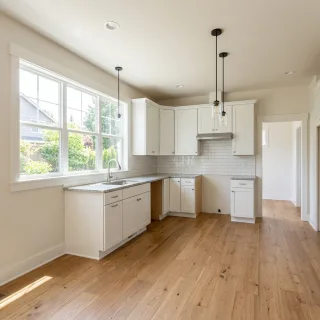
Kitchen
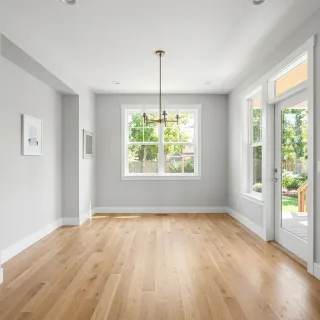
Dining Room
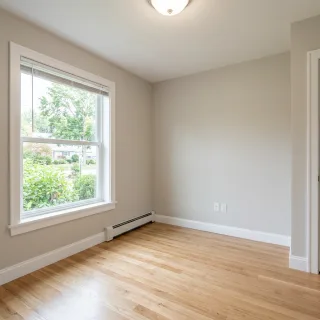
Home Office
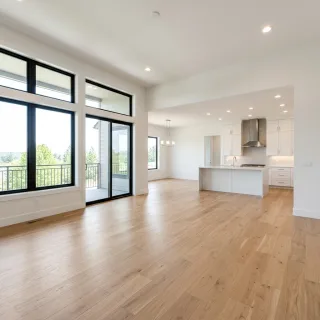
Open Concept
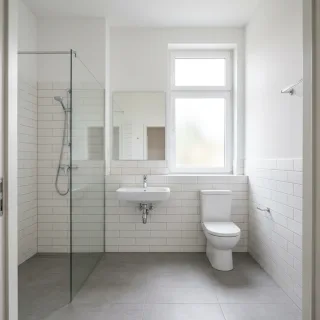
Bathroom
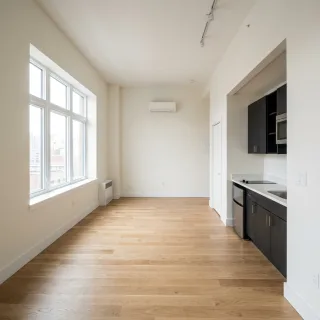
Studio
Ready to transform your next listing?
Join thousands of real estate professionals using AI to create better listing visuals.
Explore material and finish directions on the same room photo.
Useful for faster concept communication with clients and listing teams.
Bridge between simple enhancement and full design refresh.
Built for people who ship room visuals.
Renovation previews
Show homeowners what new flooring or countertops look like before ordering materials.
Listing upgrades
Visualize higher-end finishes to justify a higher asking price in marketing materials.
Design client presentations
Present material options to clients without building physical samples.
Common questions about Material Overlay.
Yes. The brush tool works on any painted area - floors, walls, countertops, or any other flat surface.
Works great alongside these.
Interior Design
Free Plan
Redesign furnished rooms, refresh outdated styling, and improve targeted areas without rebuilding the whole scene.
Style Transfer
Pro Plan
Compare style directions side by side so teams and clients can decide faster which look fits the room best.
Sketch Render
Pro Plan
Convert room ideas into cleaner concept-style renders for faster feedback and directional approvals.
Ready to try Material Overlay?
Preview finish directions without rebuilding the room.
This workflow shell is designed for material-led concepting when you want buyers or clients to understand the upgraded finish direction quickly.